Your First Telehealth Visit: A Guide for Newly Diagnosed Patients
By drvadmin
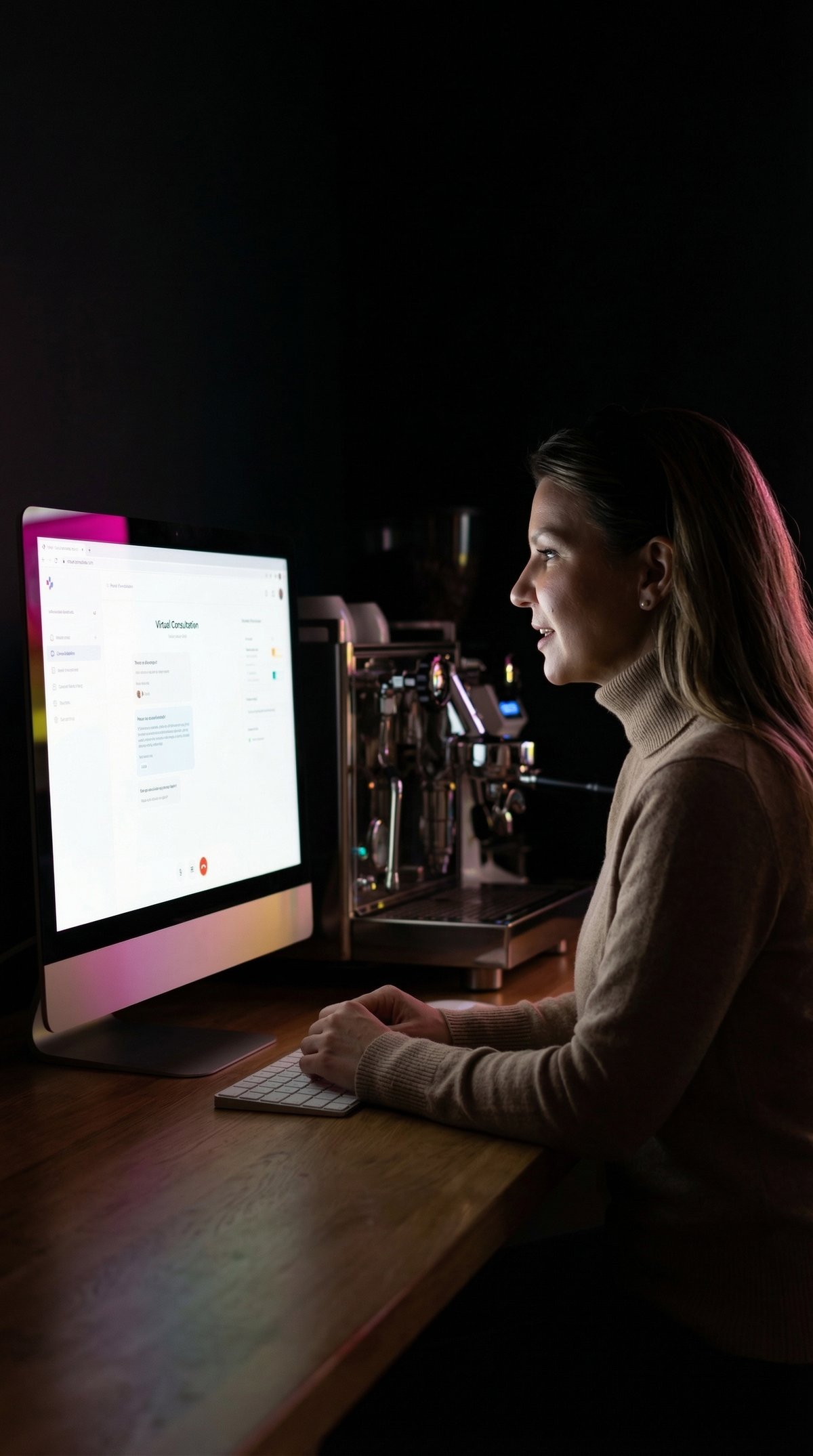
Receiving a new medical diagnosis can feel like standing at the foot of a mountain, looking up at a summit that seems impossibly distant and shrouded in fog.
Between processing complex medical terminology, understanding new medication regimens, and managing the emotional weight of a chronic condition, the logistical hurdle of a doctor's appointment can feel overwhelming. For many patients today, that first crucial follow-up or consultation happens not in a sterile exam room, but through a screen in their own living room. While telemedicine offers incredible convenience, it introduces a unique set of anxieties: Will the doctor be able to examine me properly? What if the connection fails? How do I convey my symptoms effectively through a camera?
As an Internal Medicine physician, I have guided countless patients through this digital transition. This comprehensive guide is designed to transform your uncertainty into empowerment. We will walk through every step of the process—from the technical setup to the final care plan—ensuring that your first telehealth visit becomes a productive cornerstone of your healthcare journey. Whether you are managing hypertension, diabetes, or another chronic condition, mastering the virtual visit is a vital skill for modern health management.
The Role of Virtual Care in Chronic Disease Management
In the landscape of modern medicine, telehealth has evolved from a convenience to a critical tool for managing chronic conditions. For a newly diagnosed patient, the shift to virtual care can actually offer distinct advantages over traditional in-person visits, provided you understand how to leverage the medium. When you step into a physical clinic, you are in the doctor's territory; when you connect via video, you are inviting the physician into yours. This subtle shift in dynamic can be incredibly powerful for discussing lifestyle factors, home environments, and daily challenges that impact your condition.
Virtual care is particularly effective for the "cognitive" aspects of medicine—the deep dives into medical history, the explanation of pathophysiology, and the nuance of shared decision-making. For a new diagnosis, these are often the most important elements. You aren't just there to have your lungs listened to; you are there to learn how to live with a new reality. Telehealth removes the physical barriers of traffic, parking, and waiting rooms, allowing you to focus your mental energy entirely on the consultation itself. It allows for more frequent, lower-friction touchpoints with your healthcare team, which is essential when titrating medications or adjusting to lifestyle modifications early in a diagnosis.
However, it is important to recognize that virtual medicine is not a replacement for all in-person care but rather a complementary modality. There will be times when physical palpation or auscultation is necessary. Understanding this distinction helps manage expectations. Your virtual visit is the command center for your care strategy—a place to review data, discuss side effects, and plan the next steps. By viewing it as a strategic planning session rather than just a check-up, you elevate the quality of care you receive.
- Telehealth facilitates more frequent monitoring of chronic conditions like diabetes and hypertension.
- Virtual visits reduce the logistical stress of appointments, allowing better focus on medical education.
- Video calls provide a unique window into your home environment, which can assist in lifestyle counseling.
- Telemedicine acts as a complement to, not a complete replacement for, necessary physical exams.
When to Choose Virtual vs. In-Person
Navigating when to schedule a virtual visit versus an in-person appointment is a common question. generally, initial physical evaluations, severe acute pain, or symptoms requiring immediate procedural intervention belong in the clinic. Conversely, reviewing lab results, discussing medication adjustments, mental health check-ins, and routine follow-ups for stable chronic conditions are ideal for telehealth services. Always consult your healthcare provider's triage line if you are unsure which modality is safest for your current symptoms.

Tech Check: Setting Up Your Virtual Exam Room
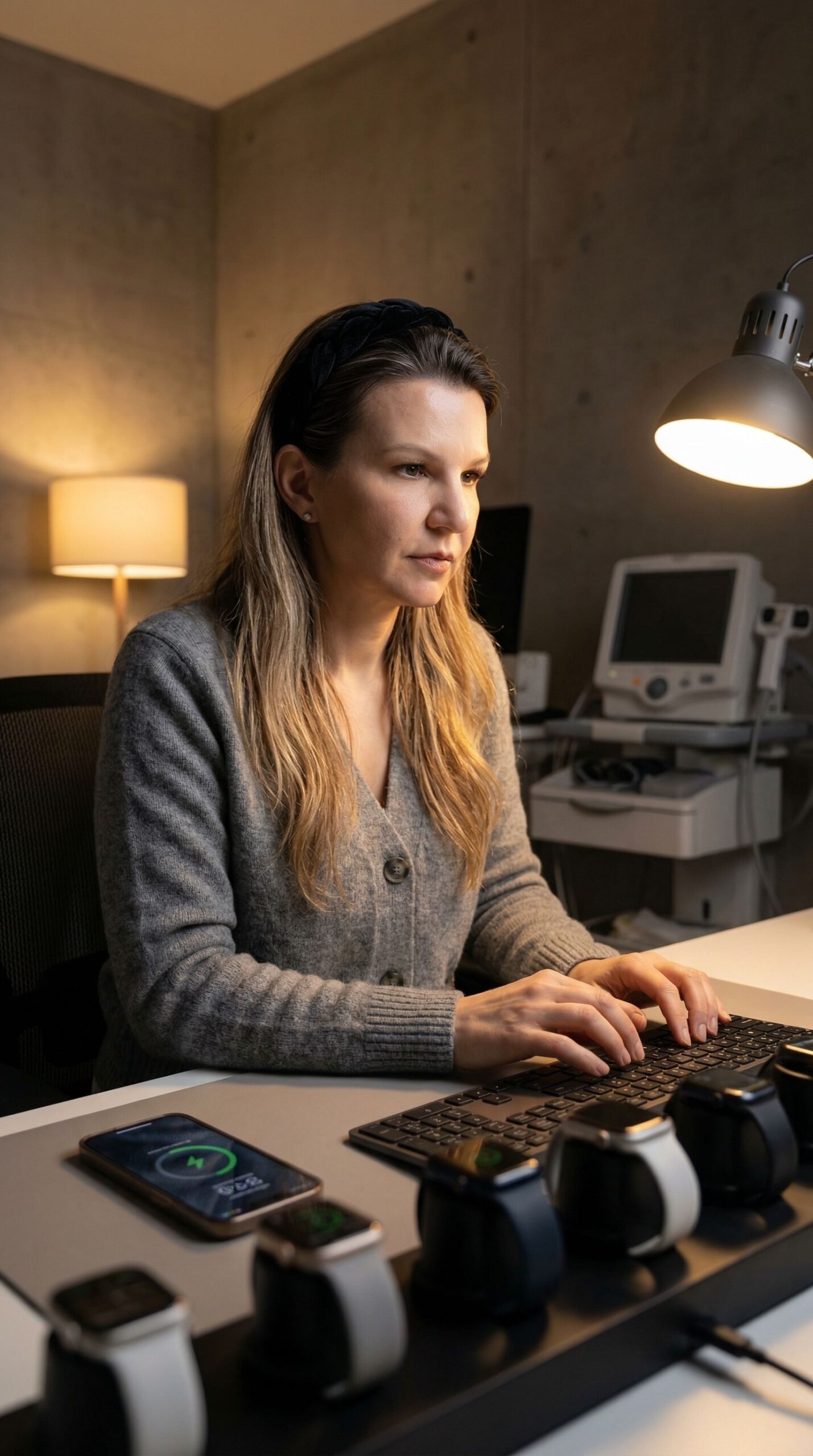
Treating your telehealth appointment with the same seriousness as an in-person visit starts with your environment. You are essentially creating a temporary exam room in your home. The technical aspect is often the source of most anxiety for patients, but it doesn't need to be complicated. The goal is clarity—both in audio and video—so that the barrier of the screen dissolves as much as possible.
First, consider your connection. A hardwired ethernet connection is the gold standard, but a strong Wi-Fi signal is usually sufficient. If you are using Wi-Fi, try to be close to your router and ask family members to pause high-bandwidth activities like streaming movies or gaming during your appointment. Test your setup 15 minutes before the scheduled time. Most platforms used by clinics, such as the ones the practice uses at Kelsey-Seybold and other major health systems, have a "test device" feature. Use it to check your microphone and camera permissions.
Lighting is the next critical factor. Backlighting is the enemy of a good virtual exam. If you sit with a window behind you, you will appear as a silhouette, making it impossible for the doctor to assess physical cues like pallor, rashes, or respiratory effort. Position yourself facing a window or a lamp so that light falls evenly on your face. This visual information is clinically relevant; physicians are trained to observe subtle details, and good lighting makes that possible.
Finally, privacy is paramount. Medical discussions involve sensitive personal health information (PHI). Choose a quiet, private room where you will not be interrupted. If you are at work, do not take the call from a cubicle or a public break room. Use headphones if you are concerned about sound carrying, but ensure the microphone quality is clear. By securing your environment, you create a safe container for vulnerable conversations about your new diagnosis.
- Prioritize a strong internet connection; move closer to your router if necessary.
- Avoid backlighting; face a window or lamp to ensure your face is clearly visible for assessment.
- Ensure privacy to protect your health information and allow for open, honest communication.
- Test your audio and video settings 15 minutes prior to the appointment link becoming active.
Device Placement and Stability
Avoid holding your phone or tablet in your hand during the visit. Shaky video can be distracting and even induce motion sickness for the viewer. Prop your device up on a stable surface at eye level. This allows you to speak naturally and leaves your hands free to take notes or handle medication bottles. If you must use a phone, lean it against a stack of books or use a stand.
Gathering Your Medical Intelligence
In a traditional office visit, the medical assistant often gathers your data before you see the doctor. In a telehealth scenario, you must act as your own medical assistant. Being unprepared with your medical data can eat up valuable appointment time that should be spent discussing your treatment plan. Preparation is the key to a high-value consultation, especially when you are navigating a new diagnosis.
Start with your medications. Do not rely on your memory or a list stored in your head. Gather all current pill bottles, including supplements, vitamins, and over-the-counter medications you take regularly. Doctors need to see the exact dosages and names to prevent drug interactions. Having the physical bottles allows you to read the label directly if there is any confusion. If you have a preferred pharmacy, have their name, address, and phone number written down and ready to verify.
Next, aggregate your data. If you have been diagnosed with hypertension, have your blood pressure log ready. If you are managing diabetes, have your recent glucose readings available. Do not tell the doctor "it's usually around 130"; provide specific numbers and dates. This data is the fuel for medical decision-making. If you have received results from outside labs or specialists since your last visit, have those reports handy or upload them to the patient portal beforehand.
Finally, prepare a timeline of your symptoms. When did they start? What makes them better or worse? Have you noticed any patterns? writing this down chronologically helps you present a coherent history, which is the most important diagnostic tool a physician has. It prevents you from getting flustered and forgetting key details in the moment.
- Gather all physical medication bottles, including supplements, to review dosages accurately.
- Compile specific data logs (blood pressure, blood sugar, weight) rather than estimating averages.
- Write down a chronological timeline of symptoms to present a clear medical history.
- Have your pharmacy details ready to ensure prescriptions are sent to the correct location.
The Importance of Accurate Vitals
If you have home monitoring devices, use them immediately before the visit. Take your temperature, check your blood pressure, and weigh yourself. If you don't have these devices, that is okay—just be honest about it. Do not guess. Inform your doctor that you do not have current vitals, and they can advise if you need to visit a local pharmacy or come in for a nurse check. For more on managing your health data, you can read our health tips blog.
The Conversation: What to Ask Your Doctor
A new diagnosis brings a flood of information, and it is easy to leave an appointment feeling like you missed your chance to ask the important questions. The dynamic of a video call can sometimes feel faster-paced than an in-person visit, so entering the virtual room with a written strategy is essential. I always recommend patients write down their top three concerns or questions before the camera turns on.
Use the "Ask Me 3" approach to structure your inquiry: 1. What is my main problem? 2. What do I need to do? 3. Why is it important for me to do this? This framework cuts through the medical jargon and gets to the heart of actionable care. When discussing a new chronic condition, you should also ask specifically about the trajectory: "What should I expect over the next six months?" and "What are the warning signs that I need to seek immediate care?"
Do not hesitate to ask for clarification. If the audio glitches or the doctor uses a term you don't understand, stop them immediately. Say, "I missed that last part," or "Could you explain what that term means?" In a virtual setting, we miss some of the body language cues that usually tell us a patient is confused, so you must be more verbally explicit about your understanding. Taking notes is highly encouraged. Tell your doctor, "I'm going to look down to take some notes," so they know you are engaged and not distracted by your phone.
Furthermore, discuss the "why" behind your treatment plan. Understanding the mechanism of your medication or the reason for a lifestyle change significantly improves adherence. If you are worried about side effects or costs, bring these up now. Virtual visits are safe spaces to discuss the barriers you face in following medical advice.
- Write down your top three questions before the appointment begins.
- Use the "Ask Me 3" framework to ensure you understand your diagnosis and plan.
- Be verbally explicit if you need clarification or if technical issues caused you to miss information.
- Inform the doctor if you are taking notes so they understand your eye contact shifts.
Discussing Lifestyle Modifications
Since you are in your home environment, it is the perfect time to discuss lifestyle realities. Show the doctor the pantry items you are unsure about or the exercise equipment you have gathering dust. Ask specific questions like, "How does my diet impact this new diagnosis?" or "Is it safe for me to exercise with these symptoms?" You can also learn more about this approach to holistic care by visiting about Dr. V.
During the Visit: Navigating the Virtual Physical Exam
One of the most common misconceptions is that a doctor cannot examine you over video. While Dr. V cannot listen to your heart with a stethoscope through the screen (yet), Dr. V can perform a surprising amount of physical assessment through observation and guided self-examination. This is often referred to as the "virtual physical exam."
Be prepared to participate actively. Your doctor might ask you to move the camera to show a swollen ankle, a rash, or the back of your throat. This is where your handheld device or a movable webcam becomes useful. Wear loose, comfortable clothing that allows you to easily expose relevant body parts. For example, if you are discussing shoulder pain, wear a tank top. If you are discussing a skin condition on your leg, wear shorts.
Your doctor may guide you through self-palpation. They might say, "Press on your abdomen right here. Does it hurt?" or "Press your finger into your shin bone. Does the skin stay indented?" Follow these instructions carefully. They are also assessing your general appearance: your breathing rate, your color, your alertness, and how you move. These are all critical data points.
For neurological or musculoskeletal issues, you might be asked to walk across the room, stand on one leg, or move your arms in specific ways. Ensure you have enough clear floor space to do this safely without tripping over rugs or cords. The virtual exam is a partnership; your hands become the doctor's hands, and your camera becomes their eyes.
- Wear loose, accessible clothing relevant to your symptoms (e.g., short sleeves for arm pain).
- Clear a space in the room to allow for movement assessments like walking or stretching.
- Be prepared to follow specific instructions for self-palpation or moving the camera.
- Understand that observation of breathing, movement, and alertness are key parts of the exam.
Using Flashlight and Zoom
If you need to show a detail, like a sore throat or a skin lesion, knowing how to use your technology helps. A separate flashlight (like the one on your phone) is often better than room lighting for looking inside the mouth. Shine the light from the side, not directly into the camera lens, to avoid glare. Learn how to switch your camera from front-facing to rear-facing if you are using a phone, as the rear camera usually has higher resolution.
Post-Visit Action Plan
The appointment doesn't end when the video cuts out. The minutes immediately following your telehealth visit are crucial for cementing your care plan. Because you don't have a physical checkout desk to stop at, you must be disciplined about the administrative wrap-up. Immediately review your notes. Did you get answers to your top three questions? If not, send a secure message through the patient portal while the thought is fresh.
Check your pharmacy status. In a virtual workflow, prescriptions are sent electronically. Call your pharmacy an hour after the visit to confirm they have received the order and ask when it will be ready. This prevents the frustration of showing up to find the order hasn't been processed. If labs were ordered, check your email or portal for the requisition forms. Print them out or save them to your phone so they are ready when you go to the collection center.
Schedule your follow-up immediately. Without a receptionist standing in front of you, it is easy to forget this step. If the doctor said "see you in three months," put a reminder in your calendar or book it online right then. Consistency is the key to managing chronic disease. Finally, take a moment to breathe. A new diagnosis is a journey, and you have just successfully navigated the first major step. If you need to reach out to the medical team for clarifications, use the patient portal or your patient portal message center.
- Immediately review your notes and send portal messages for any missed questions.
- Verify with your pharmacy that electronic prescriptions have been received.
- Download or print any lab requisitions or referral forms discussed during the visit.
- Book your follow-up appointment immediately to ensure continuity of care.
Reviewing Your After-Visit Summary
Most telehealth platforms generate an After-Visit Summary (AVS). This document is your roadmap. It contains the changes to your medications, the specific instructions for labs, and the summary of the diagnosis. Read this document carefully. If there is a discrepancy between what you heard and what is written, contact the healthcare provider's office to clarify. This document is the official record of your plan.
Conclusion
Navigating a new diagnosis via telehealth may seem daunting at first, but with the right preparation, it can be a highly effective way to manage your health. By setting up your technical environment, organizing your medical history, and actively participating in the consultation, you transform the virtual visit from a passive screen time into a powerful medical tool.
Remember, technology is just the bridge; the destination is your well-being. You are not alone in this journey. Your healthcare team is there to guide you, whether across a desk or across a digital connection.
If you have questions about your condition or need to schedule a follow-up, talk to your doctor or log in to your patient portal today.
Frequently Asked Questions
What if I lose internet connection during my telehealth visit?
Don't panic. Most providers will attempt to reconnect or call you on the phone number you provided. Keep your phone nearby and ensure it is not on 'Do Not Disturb'. If you don't hear back within a few minutes, call the support line or the office number listed on your appointment confirmation.
Can I get prescriptions refilled during a first telehealth visit?
Yes, usually. If the doctor has access to your medical history and deems it clinically appropriate, they can send prescriptions electronically to your pharmacy. However, prescriptions for certain controlled substances may require an in-person visit depending on state laws.
Is my health information safe on a video call?
Yes. reputable healthcare providers use HIPAA-compliant platforms that encrypt the video and audio data. To do your part, ensure you are on a secure, private Wi-Fi network and not using public internet (like at a coffee shop) for your appointment.
Do I need special equipment for a telehealth physical exam?
Generally, no. A smartphone, tablet, or computer with a camera and microphone is sufficient. However, having a home blood pressure cuff, a thermometer, and a flashlight can be very helpful for the doctor to get a more complete picture of your health.
Can I have a family member with me during the video visit?
Absolutely. Just like an in-person visit, having a family member present can be very helpful for taking notes and remembering instructions. Introduce them to the doctor at the start of the call so the provider knows who is in the room.
Telehealth has limitations. Some conditions require in-person evaluation. This content is for informational purposes only. Emergency situations require immediate in-person care (call 911).